Cloud and serversOff-the-shelf or customCybersecurityProduct and MVP5 min reading time6,269 characters963 words
SaaS — what it is and when subscription software makes sense for a business
What SaaS is: software as a service by NIST's definition, real business examples, SaaS vs in-house software, and when a subscription pays off.
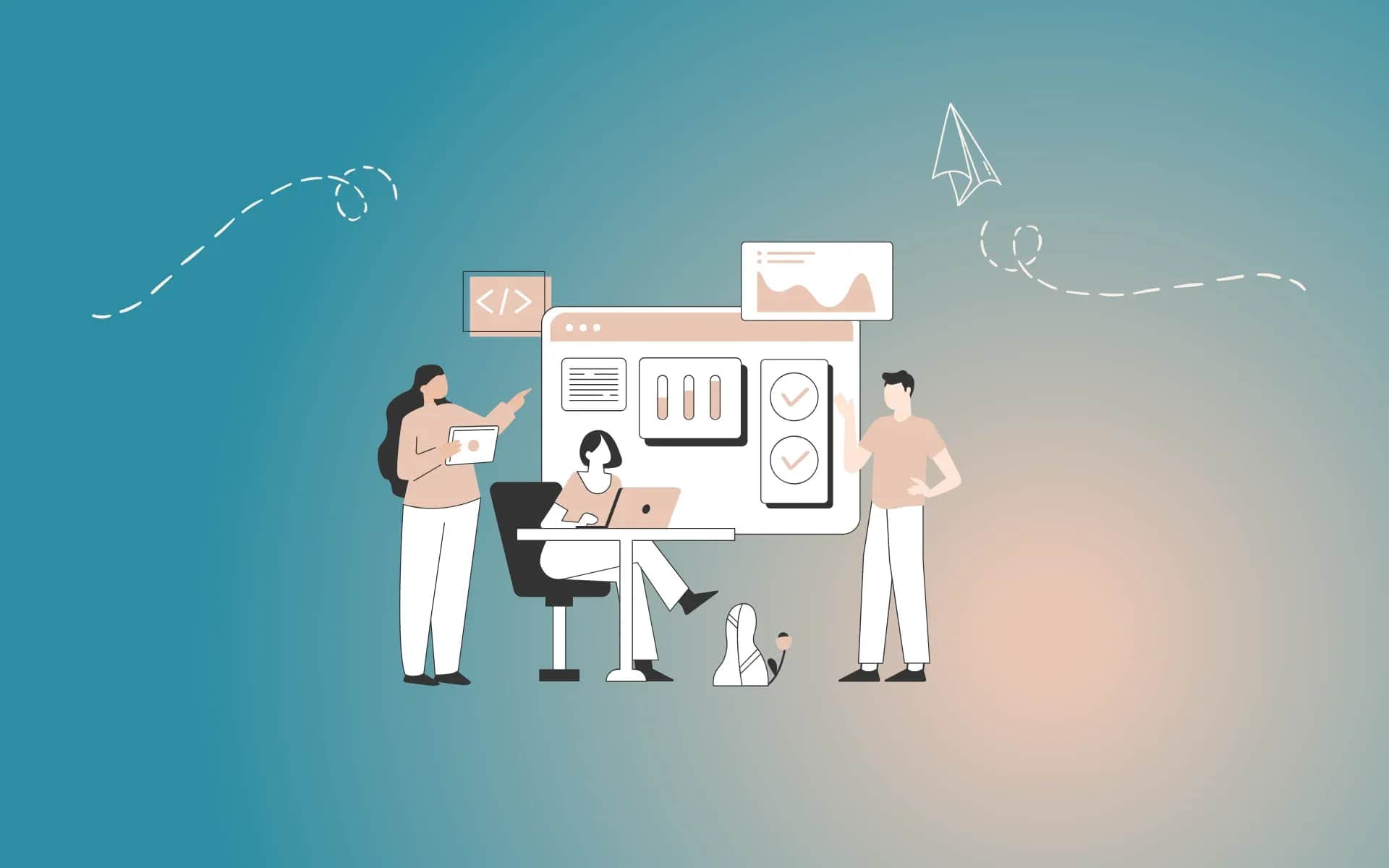
SaaS is short for software as a service. Instead of buying a licence, installing a program on every computer and keeping it patched yourself, a business pays a subscription and uses a ready-made application through a browser or a mobile app. The servers, the updates, the infrastructure backups and the ongoing development of the software sit with the provider.
The most precise description comes from the US standards body NIST, which has been the industry's reference point for over a decade. By its definition, SaaS is "the capability provided to the consumer is to use the provider's applications running on a cloud infrastructure" (NIST SP 800-145). The customer doesn't manage the servers, the operating system or the application itself — at most, the settings the application exposes to users.
This hub answers the four questions that come up once a business starts using SaaS deliberately, or starts thinking about building its own product in that model.

SaaS — four questions, four articles
Digital Vantage SaaS section map, September 2026
SaaS examples — what businesses run on every day
Most businesses use SaaS before they ever stop to think about it. Webmail in a browser, an online office suite, shared drives for documents, invoicing and accounting software, a CRM system, a booking tool for appointments — all of that is SaaS.
How many businesses use these tools is something Eurostat actually measures. In 2025, 54.7% of Polish enterprises with at least 10 employees bought paid cloud services, against 52.7% on average across the EU. In Poland the categories bought most often were e-mail (37.2% of firms), office software (27.1%) and file storage (21.1%) — in all three below the EU average (Eurostat, isoc_cicce_use). Polish firms buy cloud services more often than they used to, but usually fewer categories of them: ready-made tools first, a company's own systems much later, if at all.
A decade ago the picture looked very different. In 2014, just 5.8% of Polish enterprises bought paid cloud services, a third of the EU average (17.8%). Poland caught up with the Union only after 2021 — and the jump from 28.7% in 2021 to 55.7% in 2023 is so steep that it is worth reading with caution: Eurostat does not flag a change of method there, but nothing similar appears anywhere else in the series.

Cloud adoption among EU businesses, 2014–2025
Eurostat, isoc_cicce_use (E_CC), enterprises 10+, EU27, retrieved 30 September 2026
SaaS vs software installed in-house
The difference isn't only where the program runs. It changes who does the work, and how you pay for it:
- Payment. A subscription replaces the one-off licence — usually priced per user or per usage tier. The starting cost is low, but you keep paying for as long as you keep using it.
- Maintenance. Updates, security patches and servers sit with the provider. You don't need an administrator for the software itself.
- Access. The application works anywhere with an internet connection and a browser — which makes remote work and multiple offices far easier.
- Control. You use what the provider built, on the provider's release schedule. You can only adjust what the settings allow.
SaaS is one of three cloud service models — alongside IaaS, where you rent servers, and PaaS, where you rent a platform to run your own applications on. How they differ, and which layers stay on your side of the line, is what we cover in the cloud computing article. When it still makes sense to keep your own server in-house — and how to run the numbers over five years — we cover in the on-premise article.
When SaaS makes sense, and when your own software is better
SaaS wins where a business's process looks like the process at thousands of other businesses: e-mail, documents, invoices, calendars, a basic CRM. You're paying for a tool someone else has already built and refined across many customers, instead of building it from scratch.
It stops winning when the process is what makes the business different, when several SaaS tools have to be glued together by copying data by hand, or when the team's subscriptions, added up over several years, exceed the cost of a system of your own. How to make that call is what we cover in the custom software article.
Security and data in SaaS
A SaaS provider is responsible for its own infrastructure and application, but the data, the user accounts and who has access to what stay on the business's side. If personal data lives in the service, you also need a GDPR data processing agreement with the provider. What to check before you sign — from where the data is stored to how you get it back if you switch service — is covered in the cloud data security article. What a provider actually guarantees when it promises 99.9% availability, and how many minutes of downtime a month that really is, is what we break down in the SLA article.
An example of SaaS from the provider's side: DVN Links
We know the SaaS model from the other side too. DVN Links is our own product — a European link management platform with click analytics and QR codes. It works exactly as the NIST definition describes: a customer opens an account in a browser, creates links and watches the statistics, while the servers, updates and further development of the service sit with us. Data is stored on servers in the EU.

DVN Links — an example of a SaaS product
dvnlinks.pl/en, screenshot of 30 September 2026
It's also an example of SaaS as part of a bigger system. The site you're reading right now uses DVN Links through its API: when we publish an article, the content management system requests a short link for it automatically, and updates that link whenever the address changes. Nobody copies addresses by hand. That's what a typical SaaS integration with a company's own software looks like — a ready-made service does one thing well, and connects to the rest of the system through an API.
If you want to build your own SaaS product
The SaaS model also works the other way round — as a business of your own. Five articles in this section deal with exactly that:
- How to build a SaaS application — what building blocks a subscription product is made of, recurring payments in Poland, the legal minimum and the cost, using our own DVN Links as the example: SaaS application, from MVP to recurring payments.
- How to serve many customers from one application — the silo, pool and bridge models, keeping data apart and the risk of leaking across customers: multi-tenant.
- How to sell a product on subscription — freemium, a free trial or a card-required trial, and the metrics that actually decide between them: MRR, churn, LTV:CAC. Built on report data, not opinions: freemium or a free trial.
- How to measure whether a product is growing — ARR, MRR, churn, NRR and LTV:CAC with formulas and benchmarks that give their sample size: SaaS metrics.
- What product to build — a narrow niche, an MVP in a few weeks, pricing and first customers, with 35 ideas grouped by industry: micro-SaaS ideas.
FAQ
Frequently asked questions about SaaS
SaaS (software as a service) is software you use over the internet on a subscription, instead of buying it and installing it yourself. The servers, updates and ongoing development sit with the provider; you log in and work. Examples include webmail in a browser, an online office suite, invoicing software or a CRM system.
Usually, yes — it needs no server purchase and no administrator, and the starting cost is low. According to Eurostat, in 2025 half of small Polish businesses (50.2% of firms with 10–49 employees) bought paid cloud services. It's still worth adding up the subscription cost over several years, and checking how you'd get your data back if you switched provider.
In how many layers the provider maintains. With SaaS you get a ready-made application. With PaaS the provider maintains the platform, and you deploy your own application onto it. With IaaS you rent servers and maintain everything on them yourself. Details are in our cloud computing article.
The provider is responsible for the security of its own infrastructure and application, but the data, accounts and permissions stay with the business. If personal data is involved, you need a data processing agreement under Article 28 GDPR. Before choosing a service, it's worth checking where the data is stored, the provider's certifications and how you export your data.
Want to check whether SaaS is the right choice for your business?
We'll help you compare ready-made services against custom-built software and work out what's cheaper over the long run.
Related Posts
- SaaS — what it is and when subscription software makes sense for a business
What SaaS is: software as a service by NIST's definition, real business examples, SaaS vs in-house software, and when a subscription pays off.
- 1.Multi-tenant — what it is and how to choose a SaaS architecture for many customers
Multi-tenant SaaS: single tenant vs multi-tenant, the silo/pool/bridge models, Row Level Security, GDPR and choosing a model for an MVP.
- 2.On premise — what it means and when your own server beats the cloud
On premise, your own server: the full cost beyond hardware, the end of Windows Server 2016 support, and when the cloud or VPS wins instead.
- 3.ARR, MRR and churn — SaaS metrics, formulas, benchmarks and measurement traps
ARR, MRR, churn, NRR, LTV:CAC and Rule of 40: formulas from ChartMogul and Stripe, benchmarks with their sample size, and the traps that make SaaS metrics lie.
- 4.SLA — what it is and what to check in an SLA with a cloud provider
SLA meaning: how much downtime fits in 99.9%, how AWS, Microsoft and Google SLAs compare, SLO, RPO, RTO and 10 things to check before signing.
- 5.SaaS application — how to build your own product from MVP to recurring payments
A SaaS application from MVP to subscription: the five building blocks, recurring payments in Poland, the legal minimum, costs and the DVN Links example.
- 6.Cloud computing — what it is and how IaaS, PaaS and SaaS differ
Cloud computing by the NIST definition: five traits, IaaS, PaaS and SaaS, public, private and hybrid cloud, and how Polish businesses actually use the cloud.
- 7.Micro-SaaS examples 2026 — 35 niche tools you could build
35 concrete micro-SaaS examples grouped by industry, a niche-scoring framework, a 30-day MVP plan, and a path to your first 50 paying customers.
- 8.Cloud security: who's responsible for what, and what to ask your provider
Cloud security and cloud data security explained: shared responsibility, GDPR data processing agreements, US data transfers, NIS2 and your cloud exit strategy.
- 9.Freemium or free trial? The SaaS subscription model in numbers
Freemium, trial without a card, or trial with a card: ChartMogul conversion data, time-to-value, churn, MRR, LTV:CAC and the Polish cloud market from Eurostat.
- 1.