Vendors and contractsDesign and UX7 min reading time7,860 characters1,238 words
Website design process — the order in which changing your mind is still free
How a website actually gets built, stage by stage. Find the stage you are in and skip the rest — plus the three things that stall projects.
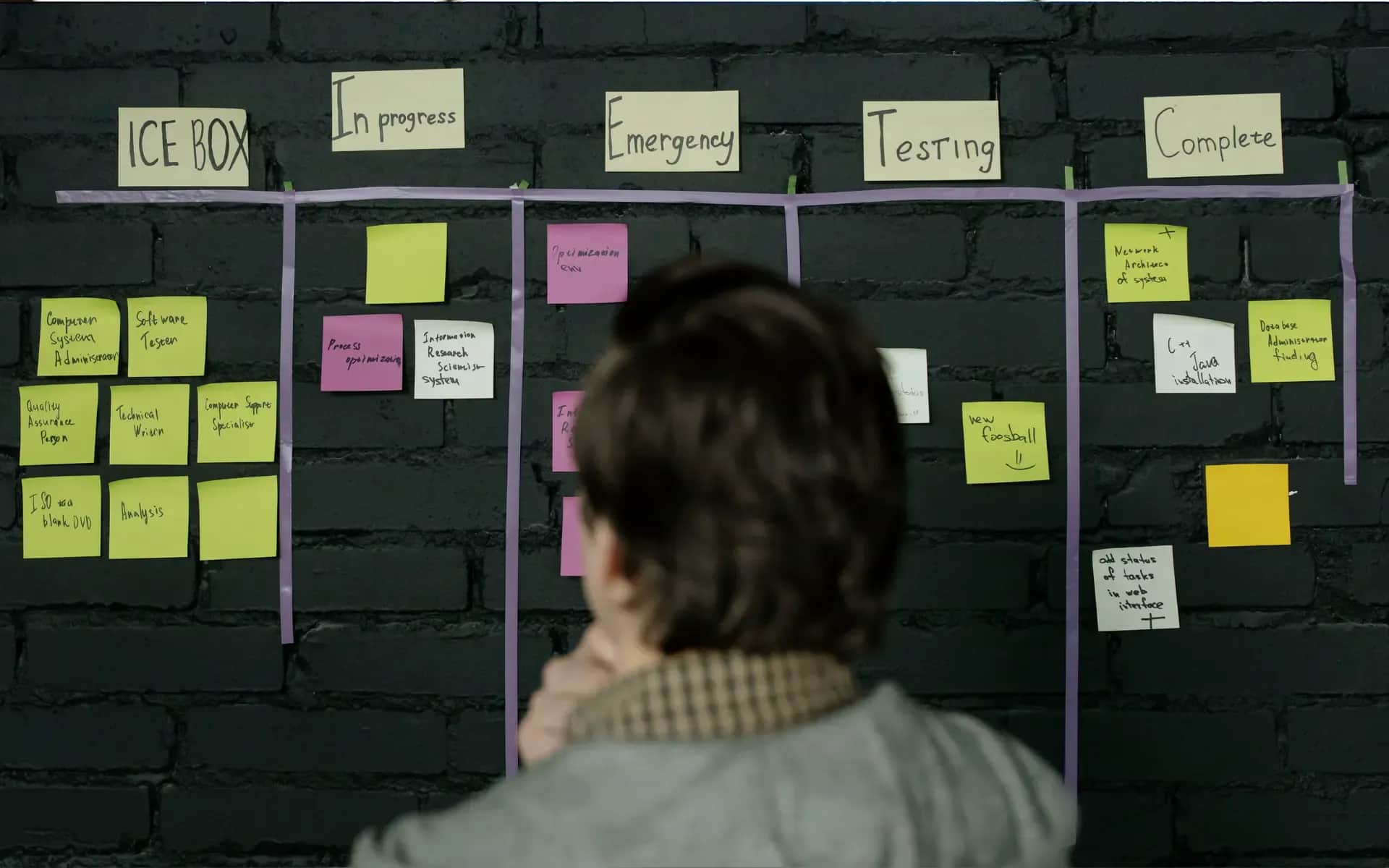
Project stages look like a way of ordering work — this first, then that. They order something else: the price of changing your mind. The same decision taken at the brief is a sentence in a document; at the wireframe it is a rectangle moved sideways; on a finished site it is a rebuild somebody invoices you for.
So this section is not a guide to be read front to back. It is a switchboard: four texts, one for each stretch of the project where people actually get stuck.

The four texts in this section, on the project timeline
Own analysis
What this section settles
Two things, and both of them show up only after the fact.
When each decision is still cheap. The order of the stages is not an industry convention — it follows from the fact that each stage freezes the decisions of the one before it. A site's structure is cheap while it is a list, moderately expensive while it is a sketch, and expensive once it is code wired into a CMS. The whole website creation process comes down to one sentence: the earlier somebody asks the question, the cheaper the answer turns out to be.
What actually stalls projects. Not the technology and not the scope. Projects stand still because the photographs never arrived, because an approval is circulating between three people, or because nobody knows who holds the password to the domain panel. None of those is a stage — they all sit between the stages, which is exactly why no schedule shows them.
What this section does not do: it does not promise that process shortens a project. It shortens the list of things that have to be done twice, which is not the same claim.
Why this order and not another
Website planning looks like a fixed convention, so it is worth showing that it is not. Each stage answers a question that cannot be settled until the previous one has an answer.
Brief before wireframe, because layout is the answer to "what should happen here". With no goal, every layout is equally good, so the conversation about it turns into a conversation about taste — and taste has no resolution.
Wireframe before visual design, because hierarchy is easier to discuss on grey rectangles than on a finished picture. Put a full visual in front of people and attention moves to colour and photography, while the question "should this section exist at all" stops being asked.
Visual design before build, because moving a design decision into code is cheap exactly once. The second time it is work in the component, the styles and the tests at the same time.
Two inversions happen regularly, and both cost the same thing — a round of rework:
Starting from the visuals. "We already have the design, we just need it built" usually means the layout was made without a goal and without copy. Either the copy is then bent to fit empty boxes, or the design goes back for changes — most often both.
Starting from the technology. Choosing a system before establishing who changes the content and how often settles the matter blindly. That decision belongs to architecture and has its own section, but its timing is a process question: after the brief, not before.
The order can be compressed. It cannot be reversed without paying for it twice.

The order of the stages, and two inversions that end in rework
Digital Vantage, own diagram
Where in the process you are
Four entry points. Recognise your own situation and skip the rest. The texts overlap deliberately in one place: the one covering the whole path summarises what the other three set out in full, so if you read only one, read that.
You do not know what to write down so anyone can quote it. This is the moment when changing your mind costs nothing, and the only one in the whole project. Six pieces of information, without which the agency is simply guessing, each with the consequence of leaving it out spelled out — including what to do when you honestly do not know the answer: the website brief.
You have agreed the scope but you have no layout. This is where hierarchy is settled: what is seen first, what can be skipped, where the screen ends. On a sketch a change takes a quarter of an hour; on a live site the same move touches a component, CMS fields, styles and tests. That gap is the entire difference between these two stages of the website design process: wireframes and layout.
You want to see the whole path before committing to it. Four decisions that are taken before anyone draws a screen, what actually has to be on the site, how long it takes and what eats that time — through to launch day, DNS propagation included. With our own measurement of how fast two of our pages load, instead of somebody else's statistics: how to build a website, step by step.
You are considering doing it yourself. Sometimes a good decision, sometimes an expensive mistake, and the line between them is measurable. What a site is made of, what can be done without a content management system, and the three thresholds past which maintaining it yourself stops paying: HTML basics and page structure.
Three things that stall a project — none of them technical
Worth naming here because they run through the whole process rather than one stage, and because all three sit on the client's side. That is not an accusation — it is information you can clear in advance.
Assets that never arrived. The project reaches a state where everything is ready and waiting for photographs or copy. The most common delay in the whole process, and the only one a single sentence in the brief removes: who supplies what, and what you are buying.
An approval that circulates. Three people on your side, two of them on holiday, and every round of comments costs a week. The remedy is organisational, not creative: one contact and one person with the final word, agreed before the start.
Access nobody has. The domain panel, the account in the sales system, the key to a tool somebody configured three years ago. A website launch can stall on this in its final week, with everything else finished.
How those three delays play out over time, and why the spread in delivery comes from them rather than from technical scope, is set out in the text covering the whole path.
What this section does not cover
Four questions come up in conversations about process and are settled somewhere else — and they are covered better where they belong.
What it costs. Process is not a line in a quote; a quote has its own structure, its own billing models and its own traps. The full breakdown is in the cost section.
How it should look. The visual layer, accessibility, interface design and user research have their own section. Here is the order of work; there are the design decisions.
Where the copy and images come from. Text, visual material and who prepares it belong to the content and media section — for the same reason "assets" appears above as a delay rather than a stage.
What to build it on. The choice of system, platform and hosting belongs to architecture, not process, and has a section of its own. What happens after launch — updates, backups, monitoring — has another.
Start with an artefact, not with reading
Three things from this section can be in your hands before you read any of the four texts — and that is usually the better order, because they show you what you do not yet know.
The brief builder walks through the same questions step by step, saves your progress and leaves you a finished document — to send to us or to any other agency: fill in the brief online. No account, no charge.
The pre-launch checklist lists what gets checked in the final week and what is easiest to forget, because each item on its own looks like a detail: what to check before you go live.
The agency selection checklist is useful earlier — when you have three proposals and cannot tell what separates them beyond the number: how to choose a web agency.
None of the three replaces a conversation with an agency, and none pretends to. They do something narrower and more practical: they turn "I don't know what to ask" into a list of specific gaps you can bring to a meeting. That is the whole difference between a conversation that needs a second meeting and one you can quote from.
Not sure which stage to start from?
A quarter of an hour is usually enough to establish where the project actually stands — and we write the brief up afterwards, not you.
Related Posts
- Website design process — the order in which changing your mind is still free
How a website actually gets built, stage by stage. Find the stage you are in and skip the rest — plus the three things that stall projects.
- 1.Wireframe — what the sketch settles, and what code can no longer undo
What a wireframe decides, why the same change costs thirty times more once built, and how to test one with five people before you approve it.
- 2.The website brief — six things an agency has to guess without
Six things an agency has to guess without, and what each omission costs. Plus the most common mistake: writing solutions instead of the problem.
- 3.A static website in HTML — when it is enough, and what happens when it stops being enough
Four conditions that have to hold at once, what maintenance really costs, and the three thresholds past which a static site stops paying off.
- 4.How to build a website — four decisions, the layout, and what really stretches a project
What to settle before anyone designs a screen, what has to be on the page, how long it really takes, and what happens on launch day.
- 1.